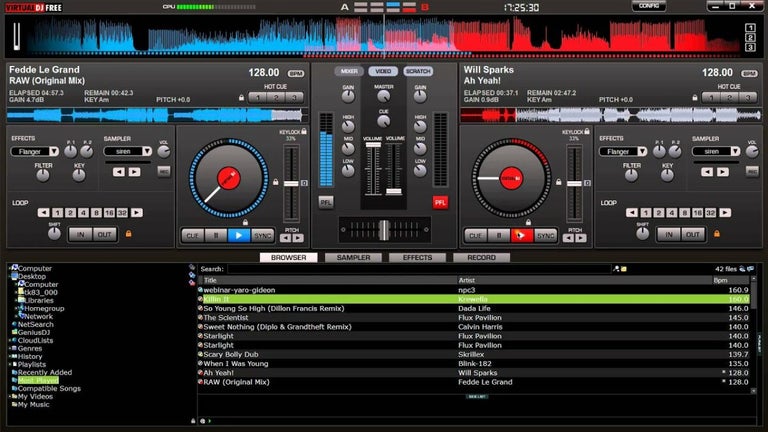

A feature-packed digital DJ console
VirtualDJ is one of the most widely used digital DJ software platforms globally. Developed by Atomix Productions, it caters to both beginner hobbyists and seasoned professionals, offering a full suite of tools for mixing, beatmatching, remixing, and performing live sets.
Top Recommended Alternative
VirtualDJ is flexible, with a clean interface and compatibility with thousands of hardware controllers, a scalable platform that adapts to any DJ setup. Its powerful engine, advanced automation, and real-time performance tools make it suitable for club gigs, home practice, and livestreams alike. It’s exceptionally versatile, especially for beginners learning to DJ, it’s also free for home use for beginners.
Core mixing tools and seamless workflow
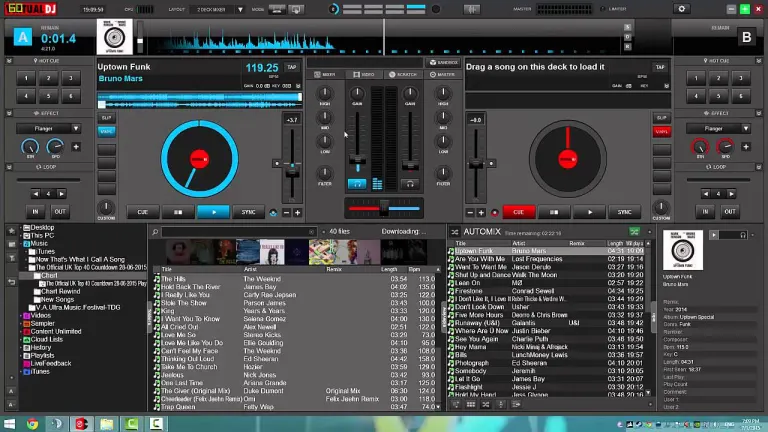
VirtualDJ offers a highly intuitive mixing workflow. It supports up to four decks, automatic BPM syncing, cue points, hot cues, looping, key matching, and live remixing with stems. One of its standout features is the real-time stem separation, allowing DJs to isolate vocals, drums, bass, and instruments on the fly, ideal for mashups or creative transitions. However, some key features require a paid license.
The software's smart sync and beat grid alignment reduce the learning curve for beginners while giving professionals tools to execute complex mixes with precision. Customizable effects, a sampler with multiple banks, and video mixing tools further expand creative possibilities. While the features are powerful, some of them are locked behind a subscription or Pro license, limiting access for casual users.
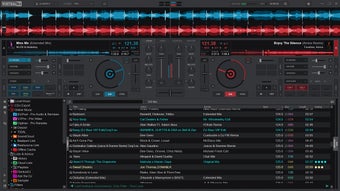
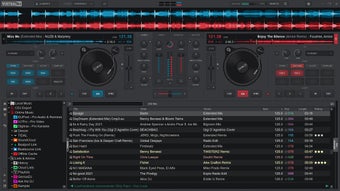
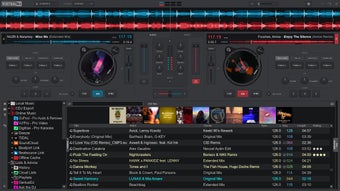
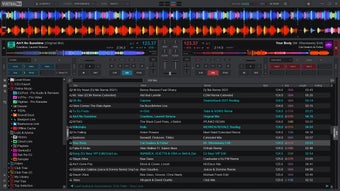
This audio mixer’s user interface is clean and highly skinnable, giving users freedom to create a workspace tailored to their needs. Sound quality is high, with support for high-definition audio and minimal latency even when running complex FX chains. The software also allows video mixing and karaoke support. It’s compatible with most DJ controllers out of the box, though setting up some advanced MIDI mappings can be unintuitive for newcomers.
Smart Playlists, smoother mixes, and instant DJ drops
VirtualDJ’s latest update makes music discovery easier with the new AIPrompt folder in the browser. Rather than digging through multiple crates to find the right tracks, you can type what you’re looking for and let the built-in AI create a tailored playlist. It also explains why each track was picked, giving you more context as you build your set. The update also brings full Spotify catalog access, so Premium users can stream playlists and load tracks directly into the software.
Mixing older music is also easier with Fluid Beatgrids. The feature is designed for tracks with natural tempo changes, such as live drum recordings, old disco songs, and warped vinyl. It uses AI to adjust the beatgrid as the tempo shifts, helping the software stay in sync with the track. Meanwhile, the BPM Stabilizer lets you temporarily lock the tempo during transitions, so you can keep a steady beat while moving between songs.
The update also gives you more ways to customize your setup without requiring advanced coding skills. AI Scripting lets you describe custom button layouts and macro commands in plain English, which the software can then turn into controller actions. There’s also the ShoutOut AI panel for creating voice drops and text-to-speech announcements directly in your sample banks. During a drop, it can lower the main track’s vocals automatically, giving your custom announcement more room to come through.
A robust DJ suite for all skill levels
VirtualDJ strikes an excellent balance between accessibility and professional depth. With advanced features like real-time stem separation, a customizable interface, and broad hardware compatibility, it caters to both novice and expert DJs. While some premium features are locked behind a paywall, the free version still provides an impressive toolkit, making it a top choice for digital mixing.